
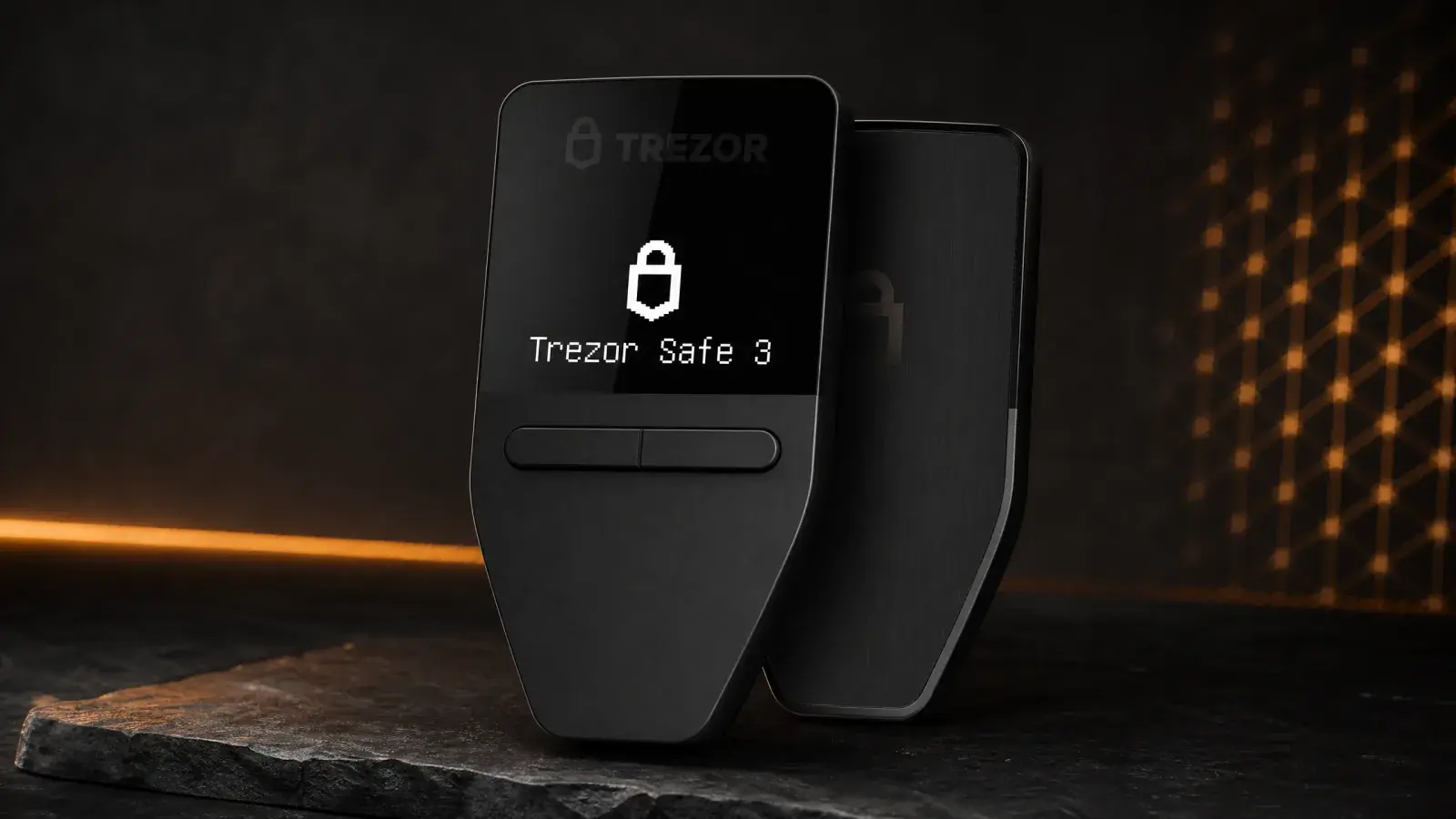
Bottom line: Trezor Safe 3 is one of the easiest cold-storage recommendations under US$100. It adds a certified Secure Element to Trezor’s open-source architecture, supports modern multi-share backups and avoids batteries and wireless radios. The compromise is visible every time you use it: a 0.96-inch monochrome screen and two buttons. It is excellent for holding and occasional Bitcoin transactions, less appealing for frequent DeFi, and a poor choice if an iPhone is your only computer.
The Trezor Safe 3 is boring in the way a fireproof document box should be boring.
There is no battery to maintain, Bluetooth connection to troubleshoot or touchscreen to crack. Plug it into USB-C, inspect the transaction on its tiny OLED, press two physical buttons, unplug it. At US$79, the device concentrates spending on the pieces that protect a recovery secret rather than the pieces that make a product feel luxurious.
Trezor launched Safe 3 on October 12, 2023 as the successor to its entry-level Model One. It remains the inexpensive member of the current Trezor Safe family beside Safe 5 and Safe 7. The older Model One and Model T are still supported but stopped being sold in January 2026; new buyers should start with the Safe range.
Review methodology: This review evaluates the current shipping product, Trezor Suite, official security and compatibility documentation, and Safe 3’s value against the rest of the 2026 range. Boxmining is not claiming a new destructive hardware test. Price and software support were checked on August 10, 2026.
Trezor Safe 3 specifications
| Feature | Trezor Safe 3 |
|---|---|
| List price | US$79 |
| Display | 0.96-inch monochrome OLED, 128 × 64 pixels |
| Controls | Two physical buttons |
| Security | NDA-free OPTIGA Trust M Secure Element, CC EAL6+ |
| Connectivity | USB-C only |
| Battery | None; powered over USB |
| Size | 59 × 32 × 7.4 mm |
| Weight | 14 g |
| Materials | PMMA plastic front, anodized aluminium back |
| Backup support | 12-, 20- or 24-word backup; Advanced Multi-share Backup |
| Additional features | PIN, passphrase, FIDO2, coin control, Tor support |
The current details come from Trezor’s Safe 3 product page. A Bitcoin-only edition uses the same hardware and price. Owners can switch between universal and Bitcoin-only firmware later.
Why the Secure Element matters
Early Trezor devices proved that open-source hardware wallets could protect keys from compromised computers. They also faced a known physical limitation: with possession of a device and specialist equipment, researchers could extract secrets from an unprotected microcontroller unless the owner used a strong passphrase.
Safe 3 adds an OPTIGA Trust M Secure Element certified to CC EAL6+. The chip helps enforce the PIN and protects the authentication secret used to unlock access to private-key operations. Trezor selected an NDA-free part so it could publish how the component fits into the wider design rather than hiding the entire security model behind a vendor agreement.
Safe 3 uses open-source firmware and a Secure Element together. The firmware and hardware design are inspectable, while a hardened chip raises the cost of physical extraction. Trezor’s boot process verifies signed firmware and displays warnings when unofficial firmware is installed.
No certification makes a wallet invulnerable. A thief can still pressure the owner, a fake app can trick someone into revealing a backup, and a bad transaction can be voluntarily approved. Safe 3’s hardware addresses one part of the threat model: an attacker who steals the unit and tries to defeat it in a lab.
Tiny screen, clear limitations
The 128 × 64 OLED is bright and crisp, but “large enough” would be generous. Bitcoin addresses, fee details and recovery checks require scrolling. The two-button navigation is predictable: left, right and press both to confirm. It is slow when entering a PIN or passphrase.
That friction is acceptable for a wallet used once a month. It becomes irritating when signing a sequence of smart-contract interactions. More importantly, a small screen can train users to confirm faster than they read. The device still provides a trusted display; the owner has to use it.
Safe 5’s 1.54-inch colour touchscreen and haptic feedback are not cosmetic in this context. They make it easier to inspect and deliberately confirm transactions. Buyers regularly using DeFi or moving funds from several accounts should consider the extra US$90 a usability investment.
Safe 3 has no battery. This means there is no cell to age while the device sits in storage, and it cannot operate unless physically connected. It also has no Bluetooth or NFC attack surface. For a dedicated home signer, that simplicity is a strength.
Backup choices: simple or genuinely resilient
Safe 3 supports conventional 12- and 24-word recovery backups as well as Trezor’s 20-word SLIP39 format. The current setup can create a single share or an Advanced Multi-share Backup.
Multi-share backup divides recovery into several lists and sets a threshold. A 2-of-3 plan, for example, creates three shares and requires any two to restore the wallet. One share can be destroyed or stolen without losing access or immediately exposing the funds.
This is powerful and easy to misuse. Three shares kept in one drawer are not geographically resilient. Three shares with a 3-of-3 threshold triple the chance that one loss becomes fatal. Write down the exact threshold, label storage locations without advertising their contents, and test restoration with a small balance before relying on it.
For a normal user, a carefully protected single backup may be safer than an elaborate scheme they no longer understand two years later. Complexity is only security when it is maintained.
Passphrases add a separate hidden wallet beyond the recovery words. Every distinct passphrase produces a valid wallet, so a typo does not show an error. It opens an empty account. Use one only with a clear recovery plan.
Trezor Suite and cryptocurrency support
Trezor Suite is available on desktop, web and Android. It manages accounts, prepares transactions and includes useful privacy controls such as coin control and Tor routing. The software is cleaner than many wallet dashboards, although integrated buy, sell and swap offers come from third parties and can introduce fees, spreads and identity checks.
Trezor describes support for thousands of coins and tokens. The exact experience varies by asset: some networks work directly in Suite, while others require a compatible interface such as MetaMask, Rabby or Electrum. Check the Trezor coin directory for the device, network and action you need.
Bitcoin users get the most complete native experience, including account types, fee control and coin selection. Ethereum and ERC-20 management is also straightforward. Niche networks and NFT workflows depend more heavily on third-party wallets.
Third-party software does not gain access to the private keys. It prepares a proposed transaction, which Safe 3 signs after approval. The danger is human: a malicious interface can propose something different from what the user intended. Always treat the device screen as the final truth.
The iPhone problem
Safe 3 does not provide a complete signing workflow on iOS. Trezor Suite for iPhone can show a portfolio and support limited buy and receive functions, but it cannot set up or manage Safe 3, send transactions or sign them. Apple’s USB restrictions and Safe 3’s cable-only design leave no alternate wireless path.
Android phones can connect over USB-C, and Windows, macOS and Linux desktops provide the full experience. If an iPhone or iPad is your only computing device, do not buy Safe 3 expecting a normal mobile hardware-wallet workflow. Choose a Bluetooth-capable Ledger or Trezor Safe 7 instead.
This limitation is less important for deep cold storage because the wallet may intentionally stay away from phones. It is decisive for someone who expects to transact while travelling.
Trezor Safe 3 vs Safe 5 vs Safe 7
| Device | Price | Interface | Best fit |
|---|---|---|---|
| Trezor Safe 3 | US$79 | 0.96-inch OLED, two buttons, USB-C | Infrequent use and maximum value |
| Trezor Safe 5 | US$169 | 1.54-inch colour touchscreen, haptics, USB-C | Most desktop and Android users |
| Trezor Safe 7 | US$249 | 2.5-inch colour touchscreen, USB-C, Bluetooth, Qi2 | Full mobile use, including iPhone |
Safe 3 and Safe 5 use the same generation of NDA-free EAL6+ Secure Element approach. Safe 5’s premium largely buys a better interface, Gorilla Glass and a microSD slot. That is worthwhile for frequent transactions, not necessary for a wallet that mainly receives.
Safe 7 introduces a new three-chip architecture, dual Secure Elements, wireless operation and a rechargeable LiFePO4 battery. It also contains a TROPIC01 chip with a disclosed laser fault-injection weakness. Trezor says the published attack cannot reach funds, PINs or backups because TROPIC01 does not hold enough secrets alone. The flaw remains relevant to buyers because it cannot be fully patched out of existing silicon.
Safe 3’s mature, cable-only simplicity is attractive in comparison. Safe 7 is substantially easier with iPhone and has a much better display, but its newer release date does not settle the buying decision.
Who should buy Trezor Safe 3?
Buy Safe 3 if:
- You want a serious open-source hardware wallet under US$100.
- The device will mainly receive funds and sign occasional transactions.
- USB-only operation is a security preference, not an inconvenience.
- You want Bitcoin-only firmware or advanced multi-share recovery.
Skip Safe 3 if:
- An iPhone or iPad is your only computer.
- You sign smart-contract transactions frequently.
- Reading long details on a 0.96-inch screen will encourage you to rush.
- You want a battery-powered or wireless travel wallet.
Verdict
Trezor Safe 3 has the right kind of compromises. It cuts screen size, touch controls and wireless convenience while keeping the Secure Element, open-source design, modern backup formats and mature Trezor software.
At US$79, the wallet leaves room in the budget for a metal backup or a second device. Either can improve resilience more than a premium screen. Its lack of iPhone signing must be understood before ordering, and active DeFi users should pay more for an interface they will actually read.
For Bitcoin savings and mixed assets that move occasionally, Safe 3 is the value benchmark of Trezor’s current range. It is inexpensive, inspectable and appropriately limited. Those qualities matter more than excitement in a cold wallet.
Frequently asked questions
Is Trezor Safe 3 better than Model One?
For a new buyer, yes. Safe 3 adds USB-C, a certified Secure Element, a more modern processor and broader recovery options. Model One remains supported, so existing owners do not need to panic-upgrade solely because sales ended.
Does Trezor Safe 3 work with iPhone?
Only in a limited watch-and-receive capacity through Trezor Suite. Safe 3 cannot currently be set up, managed or used to sign and send transactions on iOS. Full operation requires a supported desktop or Android device.
Is the Bitcoin-only edition more secure?
It reduces firmware scope by supporting Bitcoin only, which can make the code and user interface easier to reason about. The hardware is the same, and owners can switch firmware later. It does not replace good backup and transaction-verification practices.
What happens if Safe 3 breaks?
The coins are not stored inside the unit. Restore the recovery backup on a compatible Trezor or another wallet supporting the same standard. This is why testing and protecting the backup matters more than preserving the US$79 device forever.
Share
Found this useful?
Share it with someone who'd want to read it.
Related
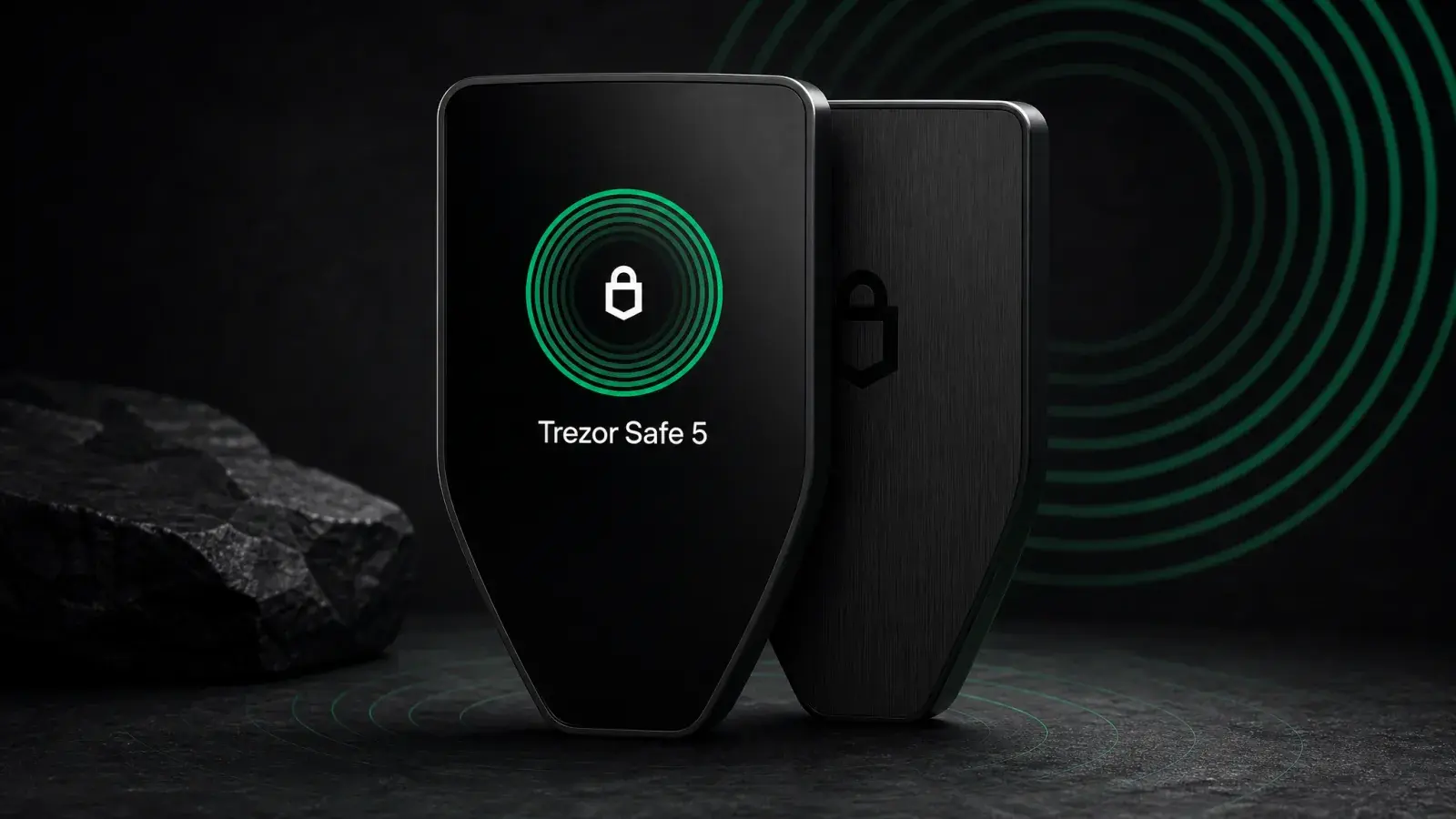
Trezor Safe 5 Review (2026): Best-Balanced Trezor
Trezor Safe 5 adds a touchscreen and haptics to open-source EAL6+ security for US$169. It is the best-balanced Trezor for regular USB-C use.
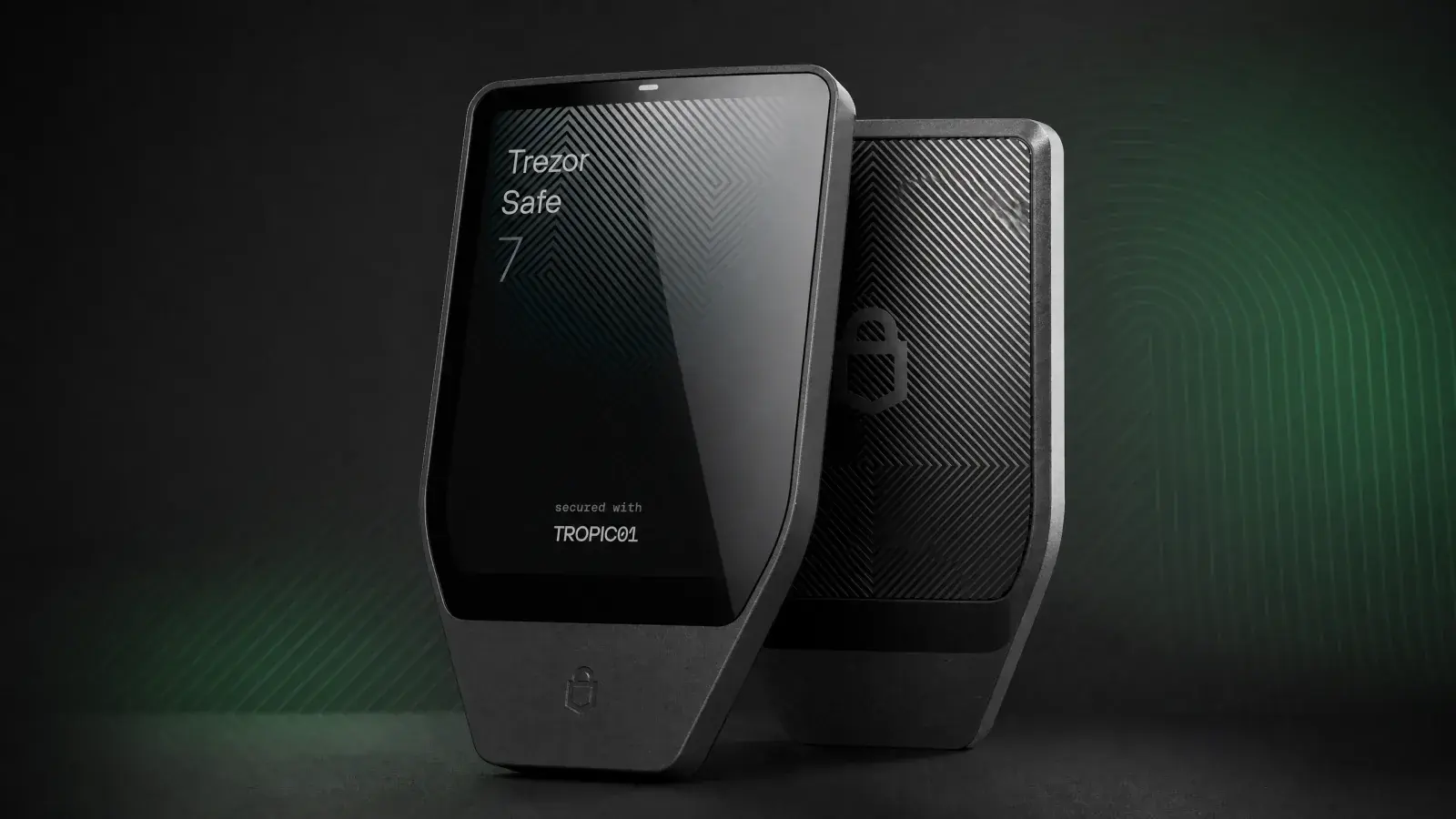
Trezor Safe 7 Review (2026): Is Wireless Worth US$249?
Trezor Safe 7 adds Bluetooth, wireless charging and a larger screen for US$249. It suits mobile users who understand the TROPIC01 disclosure.
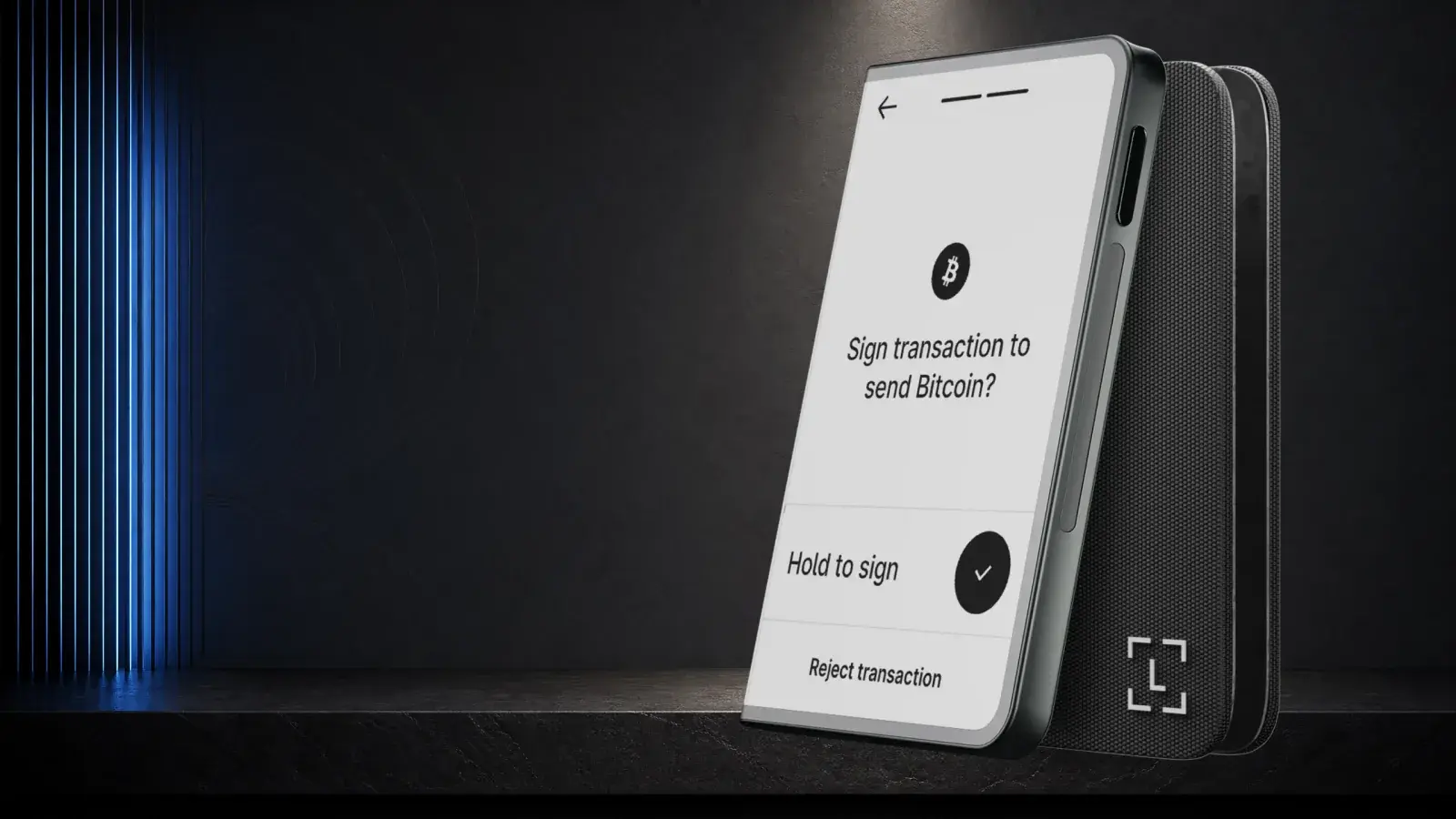
Ledger Stax Review (2026): Is the $399 Wallet Worth It?
Ledger Stax offers a curved E Ink screen and Qi charging for US$399, but not stronger key protection. It suits design-first buyers, not value seekers.