
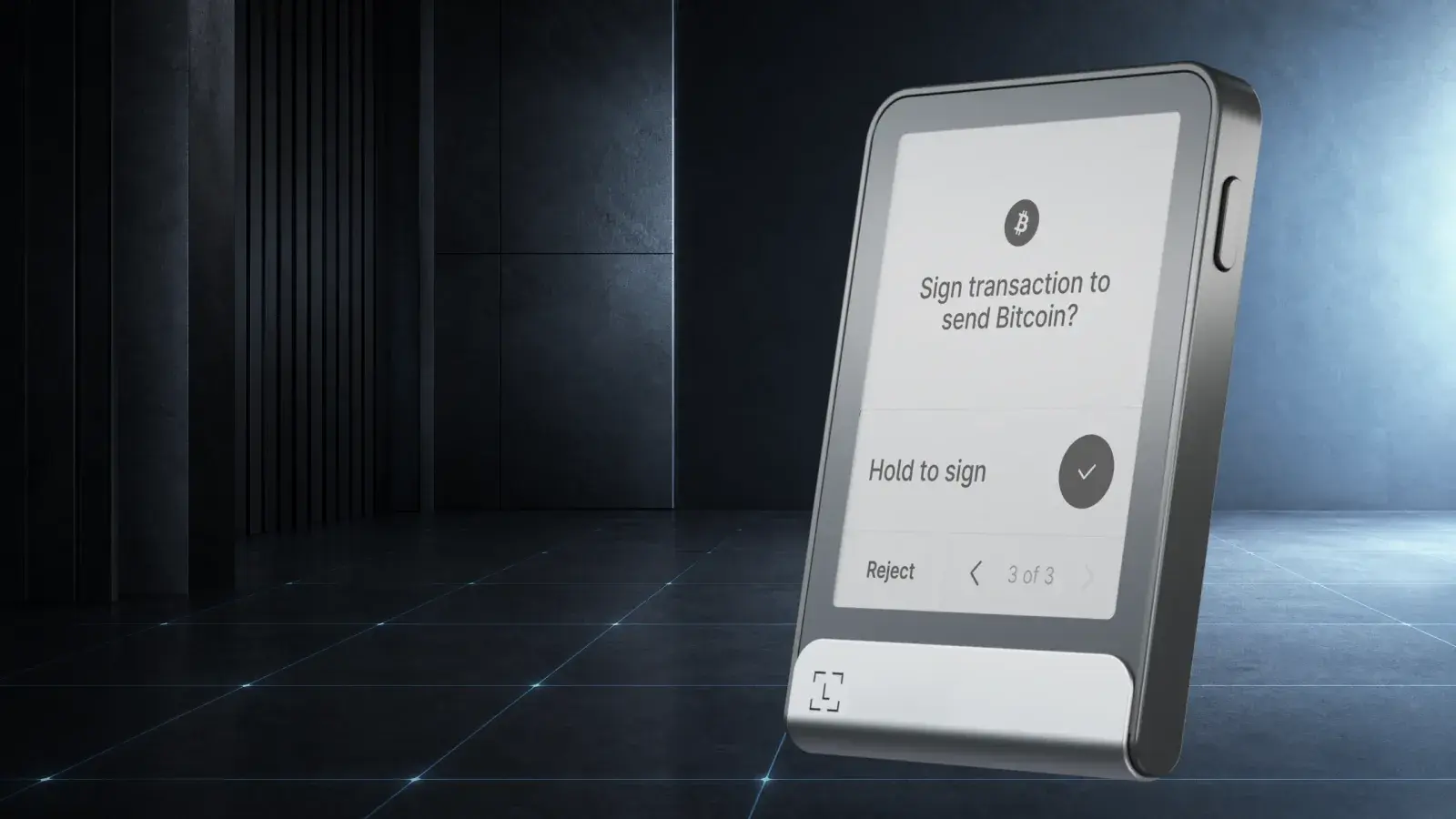
Bottom line: Ledger Flex is the best-balanced premium wallet in Ledger’s current range. Its screen is large enough to make transaction checks comfortable, its metal frame feels substantially better than Nano Gen5, and it costs US$150 less than Stax. The key protection is essentially the same as those siblings. At US$249, you are paying for a better physical interface rather than a safer Secure Element. Buyers who care about value should choose Nano Gen5; buyers who want the most polished Ledger without paying for Stax’s design experiment should choose Flex.
Ledger Flex looks like someone compressed a Kindle into a passport photo.
That is a compliment. The 2.84-inch E Ink touchscreen is always readable, the device is still small enough to slip into a pocket, and the combination solves the central problem with old hardware wallets: nobody enjoys verifying a long address on a screen the size of a price tag.
Flex launched in July 2024 at US$249. It now sits in the middle of Ledger’s touchscreen range, between the US$179 Nano Gen5 and US$399 Ledger Stax. All three use the same certified Secure Element and Ledger OS foundation. The buying decision is mostly about materials, display, size and charging. Ledger does not offer three different grades of private-key protection here.
Review methodology: This is an editorial assessment of the shipping hardware, current Ledger software, official technical documentation and the device’s position in the 2026 wallet market. Boxmining is not claiming a fresh long-term battery or destructive durability test. Price, specifications and software support were checked on August 10, 2026.
Ledger Flex specifications
| Feature | Ledger Flex |
|---|---|
| List price | US$249 |
| Display | 2.84-inch, 16-shade grayscale E Ink touchscreen; 480 × 600 pixels |
| Cover glass | Gorilla Glass with anti-glare coating |
| Security | ST33K1M5 Secure Element, CC EAL6+, Ledger OS |
| Connectivity | USB-C, Bluetooth 5.2, NFC |
| Battery | 200 mAh rechargeable battery |
| Size | 78.4 × 56.5 × 7.7 mm |
| Weight | 57.5 g |
| Materials | Aluminium frame, plastic back |
| Direct asset support | 500+ through Ledger Wallet |
| Wider support | Thousands through compatible third-party wallets |
| Included backup | Ledger Recovery Key plus recovery sheets |
The current hardware details come from Ledger’s Flex product page. Flex works with Windows, macOS, Ubuntu, iOS and Android, but Ledger explicitly excludes Chromebooks.
What the E Ink touchscreen changes
A hardware wallet is a trusted display with a private key behind it. Your laptop or phone prepares a transaction; the wallet shows what it has been asked to sign. If the display is too small or the data is incomprehensible, people stop reading and tap approve. That turns excellent cryptography into expensive theatre.
Flex’s screen gives addresses, amounts and fees room to breathe. Its E Ink panel only consumes meaningful power when the image changes, so it can keep a lock-screen image visible when the device is off. It is slower than a phone, and menus refresh with the slight flash familiar to e-readers. Grayscale NFT art is hardly a reason to spend US$249. Calm, legible verification is.
Ledger’s Clear Signing can translate supported smart-contract interactions into readable actions. Transaction Check can simulate certain EVM transactions and return warnings about suspicious outcomes. Both improve the decision surface, but neither eliminates judgment. Unsupported contracts can still present opaque data, and a simulation is not a guarantee that a contract is safe. If the device asks for blind signing, stop and establish why.
The Gorilla Glass and aluminium frame are the practical upgrades over Nano Gen5. Flex feels more like a durable tool and less like a plastic accessory. It is also 11.5 grams heavier. That difference is noticeable in a pocket but insignificant on a desk, where most hardware wallets spend their lives.
Security: excellent hardware, a closed trust model
Flex stores keys and performs signing inside an ST33K1M5 Secure Element certified to CC EAL6+. Ledger’s security team and external researchers test the platform against physical and software attacks. The display is driven within that trusted architecture, reducing the chance that a compromised computer can silently replace the information being approved.
The trade-off has not changed: important parts of Ledger’s stack are proprietary. Ledger publishes applications and components, but the Secure Element implementation and Ledger OS are not fully open for independent reproduction. Trezor’s current Safe devices use a Secure Element while maintaining an open-source design philosophy. Neither model removes trust; they distribute it differently.
Bluetooth is another philosophical dividing line. Flex can sign from an iPhone or Android phone without a cable. Private keys do not leave the device, and the user must still approve on its screen. A cable-only buyer may nonetheless prefer fewer wireless interfaces and choose Trezor Safe 5. Convenience is a valid security feature when it makes people verify more often, but minimal attack surface is also a valid priority.
The largest real-world risks remain mundane:
- Entering a recovery phrase into a fake Ledger website or “support” form.
- Approving an unlimited token allowance without understanding the spender.
- Buying a modified device from an untrusted marketplace.
- Keeping the wallet and every backup together where one theft or fire can take all of them.
Buy directly from Ledger or an authorised seller, initialize the device yourself, and treat any pre-written recovery words as proof of tampering.
Ledger Recovery Key: convenient, but store it separately
Current Flex packages include a Ledger Recovery Key, a PIN-protected NFC card that stores an encrypted local backup for compatible Ledger devices. It is not the same as Ledger Recover, the optional subscription service that uses encrypted fragments and identity verification.
The card reduces the risk of a copying mistake during setup. It also creates another physical way to restore the wallet. A sensible arrangement is:
- Keep Flex in the place where you actually use it.
- Store the Recovery Key somewhere physically separate.
- Maintain the standard recovery phrase on a durable backup in a third secure location.
- Test a recovery before depositing an amount you cannot afford to lose.
The conventional phrase remains the most portable exit route if Ledger disappears or a future device changes its recovery-card support.
Ledger Wallet and coin support
Ledger renamed Ledger Live to Ledger Wallet, but the role remains familiar: install device apps, create accounts, view balances and prepare transactions. Ledger says more than 500 assets can be managed directly, with thousands more available through integrations such as MetaMask, Rabby, Phantom and other compatible wallets. Check the current asset directory for the exact network and function you need.
“Supported” is an overloaded word. A wallet may let Flex sign for a network while Ledger Wallet cannot display its NFTs, stake its tokens or create every account type. If one chain matters to you, verify all three layers before buying:
- The Ledger device application supports the network.
- Your preferred desktop or mobile wallet supports Flex.
- The specific action you need, such as sending, staking, swapping, multisig or NFTs, is available.
Ledger’s ecosystem remains its strongest advantage. It is broad, widely integrated and approachable for a mixed portfolio. The cost is a busy app with commercial buy, swap and staking partners. Those services add counterparty fees and regional restrictions; they are not part of the wallet’s cold-storage security.
Battery, Bluetooth and daily use
Flex has a 200 mAh rechargeable battery and can also operate over USB-C. E Ink makes standby efficient, but battery life varies dramatically with use and Bluetooth activity. Treat marketing estimates as scenarios, not promises. A hardware wallet that lives in a drawer may appear to last for weeks; one signing many transactions can drain much faster.
Unlike Stax, Flex does not support Qi wireless charging. This is not a serious loss. USB-C is faster to understand, easier to troubleshoot and likely how most owners will connect the device for firmware updates. The more meaningful wireless feature is Bluetooth, which makes Flex genuinely usable with iPhone.
The touchscreen is comfortable for PIN entry and transaction review. It also means the device cannot be operated entirely by feel, and gloves or a damaged panel can make it unusable. That is an inconvenience, not a loss of funds, provided the recovery backup is correct.
Ledger Flex vs Nano Gen5 vs Ledger Stax
| Device | Price | Main reason to buy | Main compromise |
|---|---|---|---|
| Ledger Nano Gen5 | US$179 | Lowest-cost current Ledger touchscreen | Plastic build; slightly less premium screen and feel |
| Ledger Flex | US$249 | Best balance of screen, materials and price | No Qi charging; still expensive for a signer |
| Ledger Stax | US$399 | Curved 3.7-inch display, ultra-thin design and Qi | Luxury price without stronger core key security |
Nano Gen5 is the rational purchase for most first-time Ledger buyers. It supports the same broad workflows and brings the important touchscreen upgrade. Flex earns its extra US$70 through Gorilla Glass, aluminium and a denser, more polished object.
Stax is a design purchase. Its larger curved display, thinner body, magnets and wireless charging are delightful if those qualities matter every time you use it. They do not make a Bitcoin signature more secure. For a single device, Flex lands in the sensible middle.
Against Trezor, the split is clearer. Trezor Safe 5 is cheaper, open source and USB-only, with a colour touchscreen and haptics. Flex has stronger iPhone usability, Bluetooth, NFC and a broader integrated app ecosystem. Trezor Safe 7 adds wireless mobile support and a larger display at the same US$249 list price, but it has a newer security architecture and a disclosed TROPIC01 hardware flaw that its layered design currently contains rather than fixes.
Who should buy Ledger Flex?
Buy Ledger Flex if:
- You sign from both a phone and computer and want a readable screen.
- You hold several ecosystems and value broad third-party wallet support.
- Nano Gen5 feels too plastic, but Stax feels financially absurd.
- You prefer a mature commercial security platform over a fully open design.
Skip Ledger Flex if:
- You mostly receive Bitcoin and touch the wallet twice a year; a cheaper signer is enough.
- You will not use Bluetooth or NFC and prefer a cable-only device.
- Fully open-source firmware and hardware design are requirements.
- US$249 is stretching the budget that should instead go toward a good recovery setup.
Verdict
Ledger Flex is not the dramatic product in Ledger’s lineup. That is precisely why it works.
Nano Gen5 wins on value. Stax wins the beauty contest. Flex is the one we would choose for repeated use: big enough to verify properly, small enough to carry, solid enough to feel permanent and not so ornate that the price overwhelms the purpose.
Its weaknesses are honest ones. Ledger’s core remains closed, E Ink is slow, the battery will age, and US$249 is a lot of money for hardware whose ultimate job is to show a transaction and protect a key. None of those faults erase the quality of the interface or the strength of the ecosystem.
For a mixed-asset holder who wants phone support and intends to sign regularly, Ledger Flex is the premium Ledger sweet spot in 2026. If you only need secure storage, buy Nano Gen5 or Safe 3 and spend the difference on a well-planned backup.
Frequently asked questions
Is Ledger Flex safer than Nano Gen5?
Not in the simple sense. Both use Ledger’s ST33K1M5 Secure Element, CC EAL6+ certification and Ledger OS architecture. Flex has tougher materials and a higher-resolution screen, which can improve verification and physical durability, but it does not provide a higher class of private-key protection.
Does Ledger Flex work with iPhone?
Yes. Flex connects to supported iPhones through Bluetooth. That is a meaningful advantage over USB-only Trezor Safe 3 and Safe 5, which cannot currently complete setup, device management or transaction signing in Trezor Suite on iOS.
Can Ledger see my recovery phrase?
Normal device setup and signing do not send the recovery phrase to Ledger. The optional Ledger Recover subscription is separate. Never type the phrase into Ledger Wallet, a browser, a phone form or a support chat.
Is the display always on?
E Ink can retain a lock-screen image without continuously drawing power. The wallet is not actively running simply because an image remains visible.
Share
Found this useful?
Share it with someone who'd want to read it.
Related
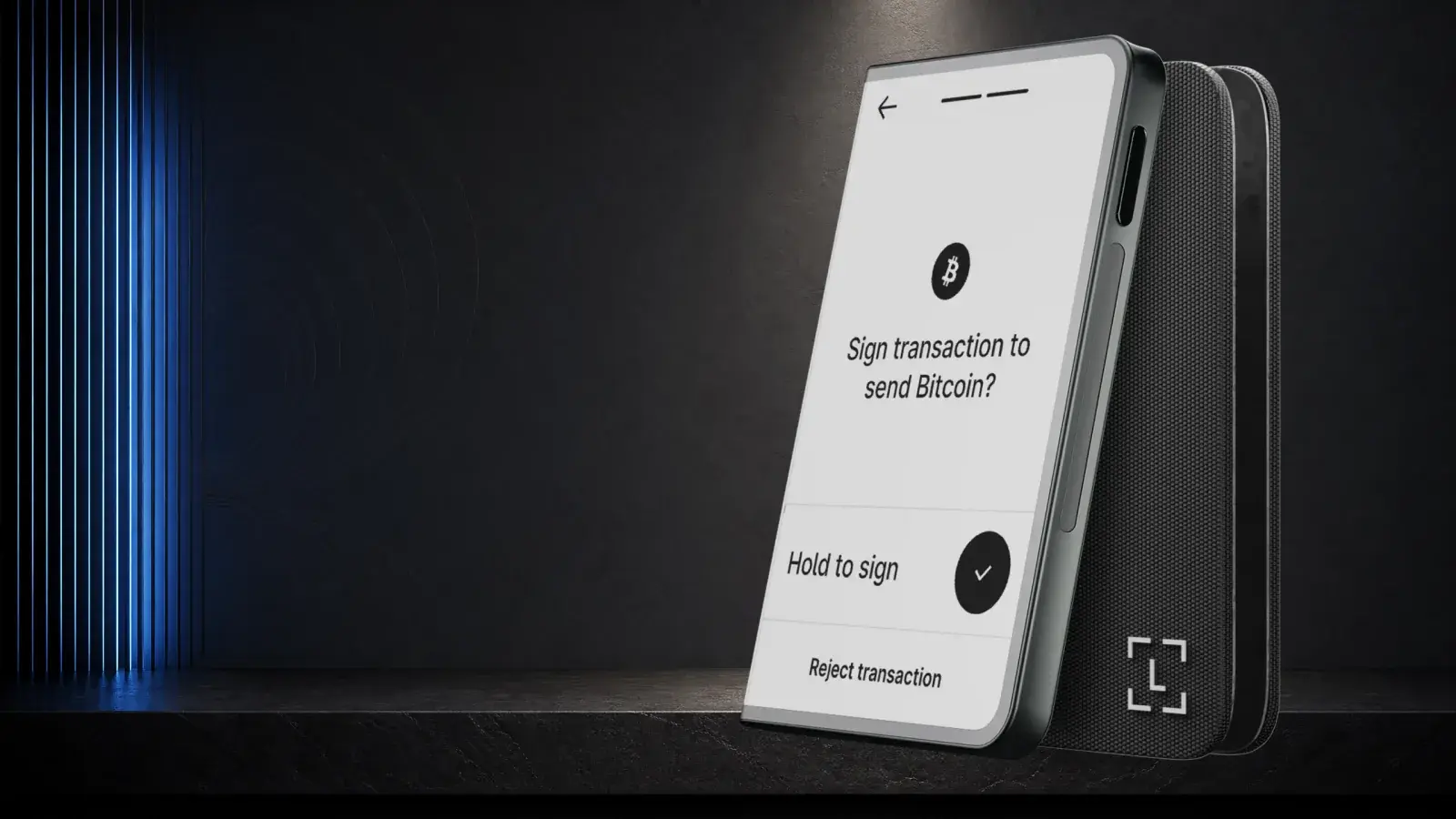
Ledger Stax Review (2026): Is the $399 Wallet Worth It?
Ledger Stax offers a curved E Ink screen and Qi charging for US$399, but not stronger key protection. It suits design-first buyers, not value seekers.
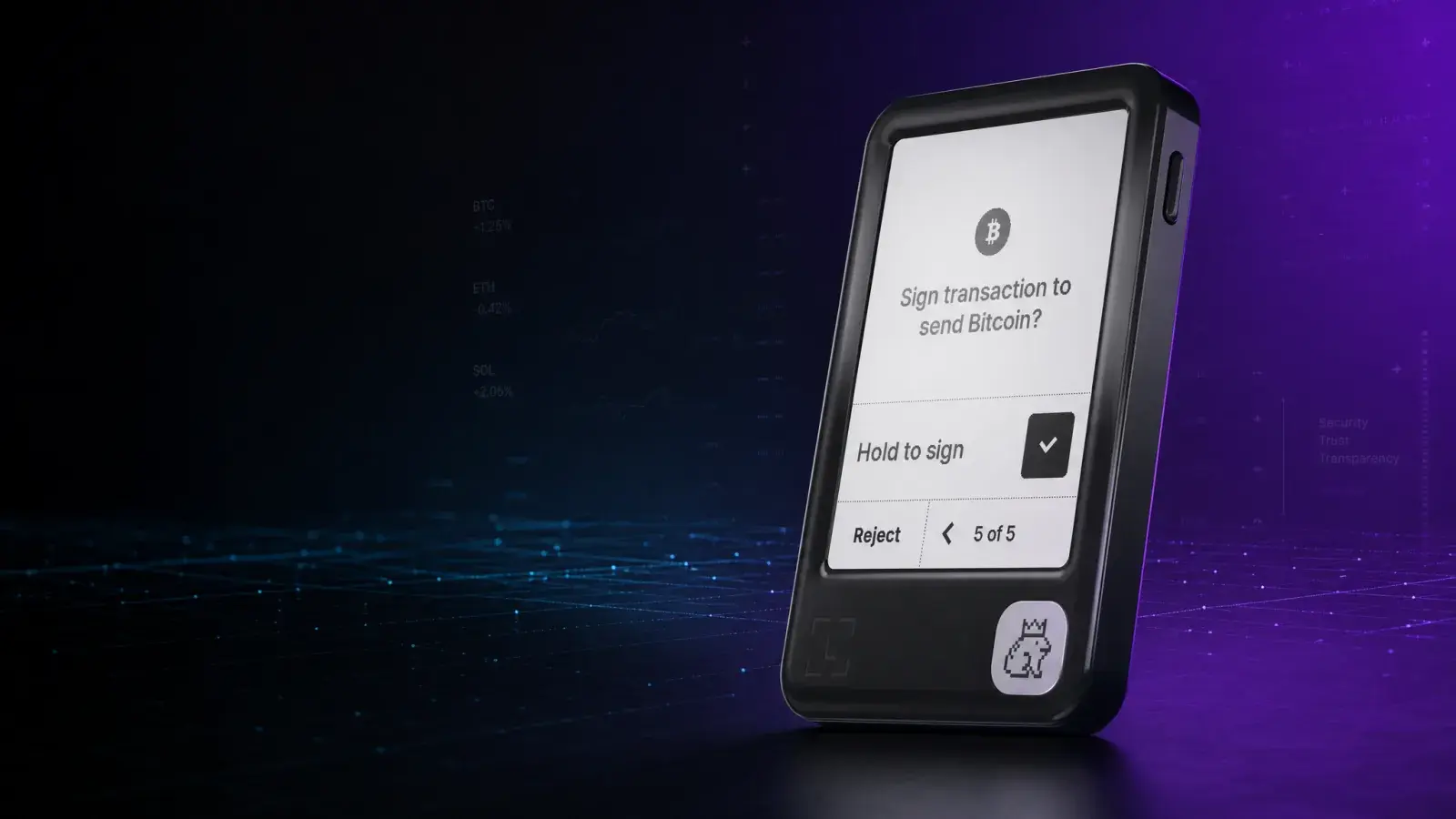
Ledger Nano Gen5 Review (2026): Best Ledger for Most?
Ledger Nano Gen5 adds an E Ink touchscreen, Bluetooth and Clear Signing for US$179. It is the practical Ledger for regular mobile crypto users.
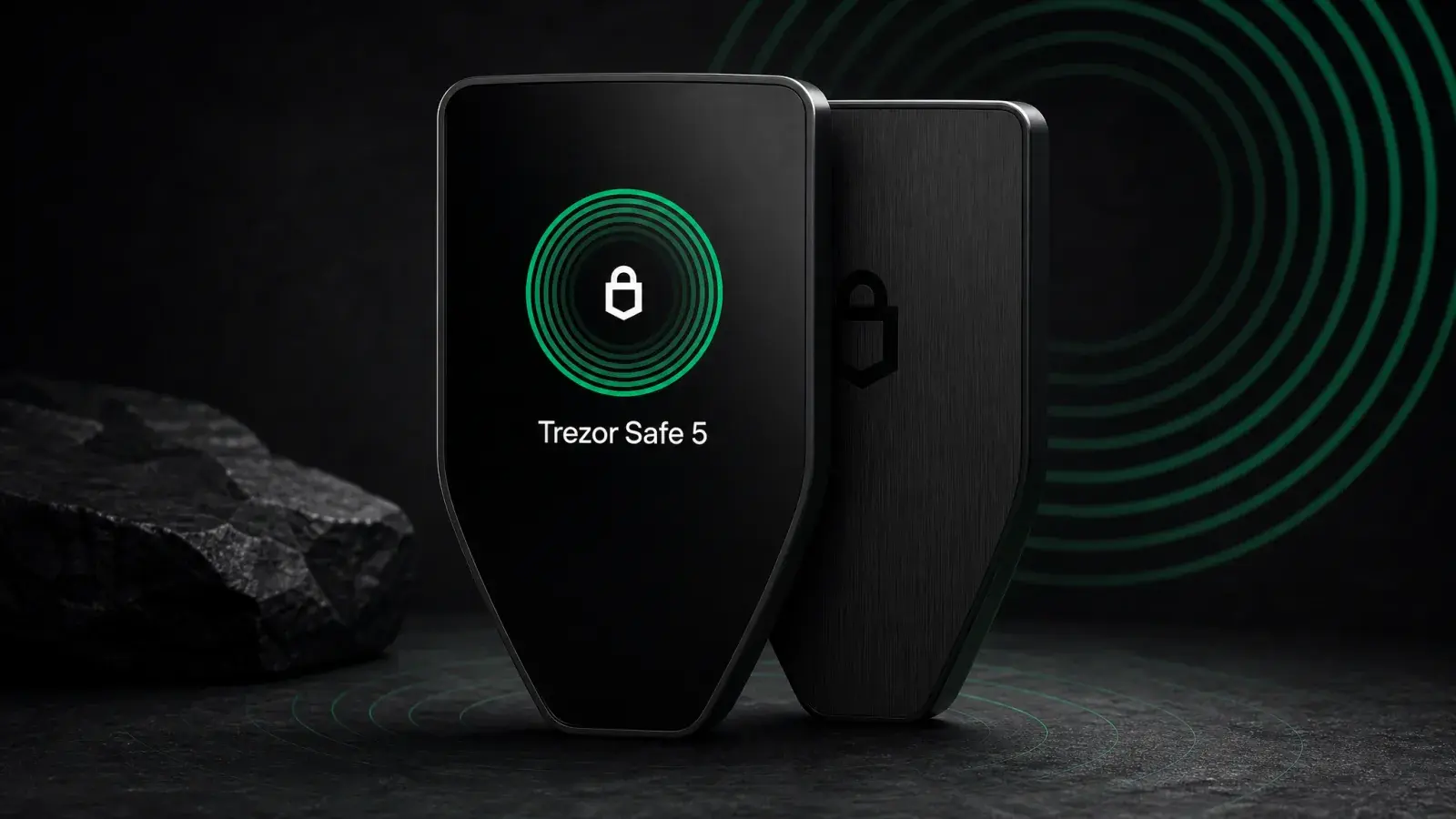
Trezor Safe 5 Review (2026): Best-Balanced Trezor
Trezor Safe 5 adds a touchscreen and haptics to open-source EAL6+ security for US$169. It is the best-balanced Trezor for regular USB-C use.